
To view this as a slide show:
- Click the large photo (not a thumbnail).
- After it expands, let the mouse pointer hover over the photo. You’ll see four arrows in the lower right.
- Click the four arrows.
- When you want to close the slide show, let the mouse pointer hover again and you’ll see a set of controls. Click the X in the upper right.

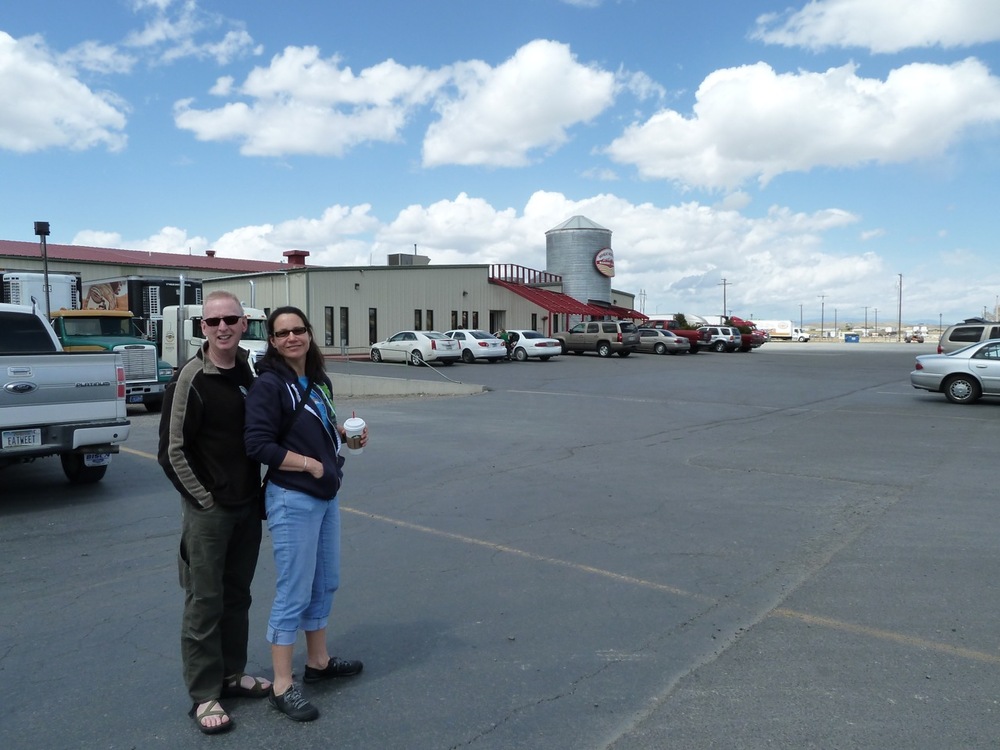


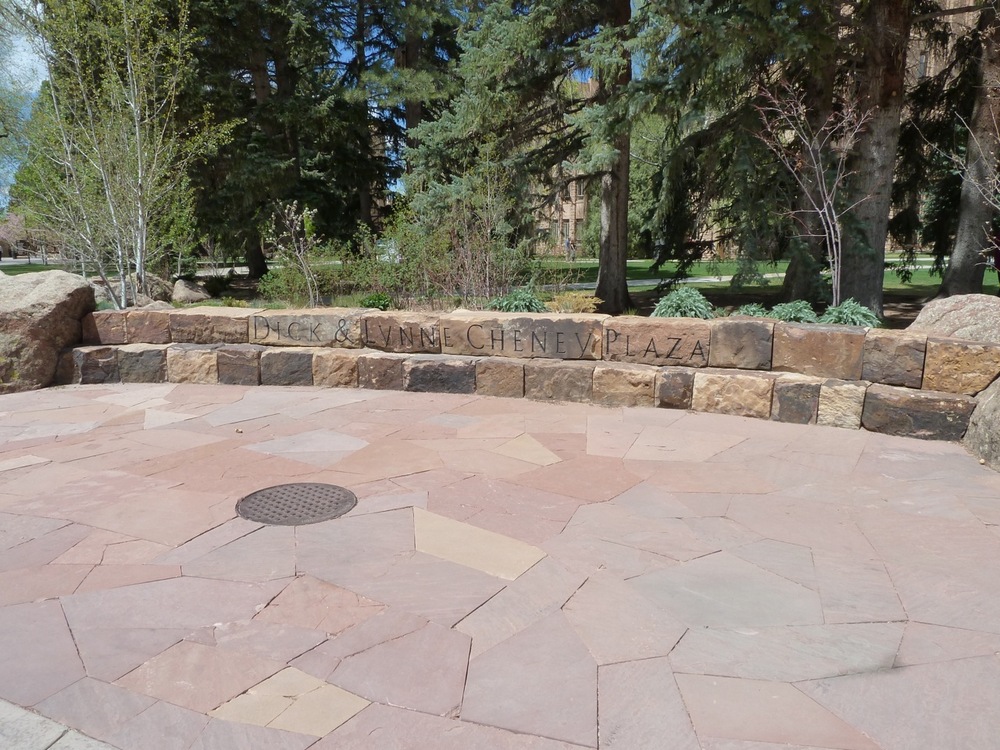








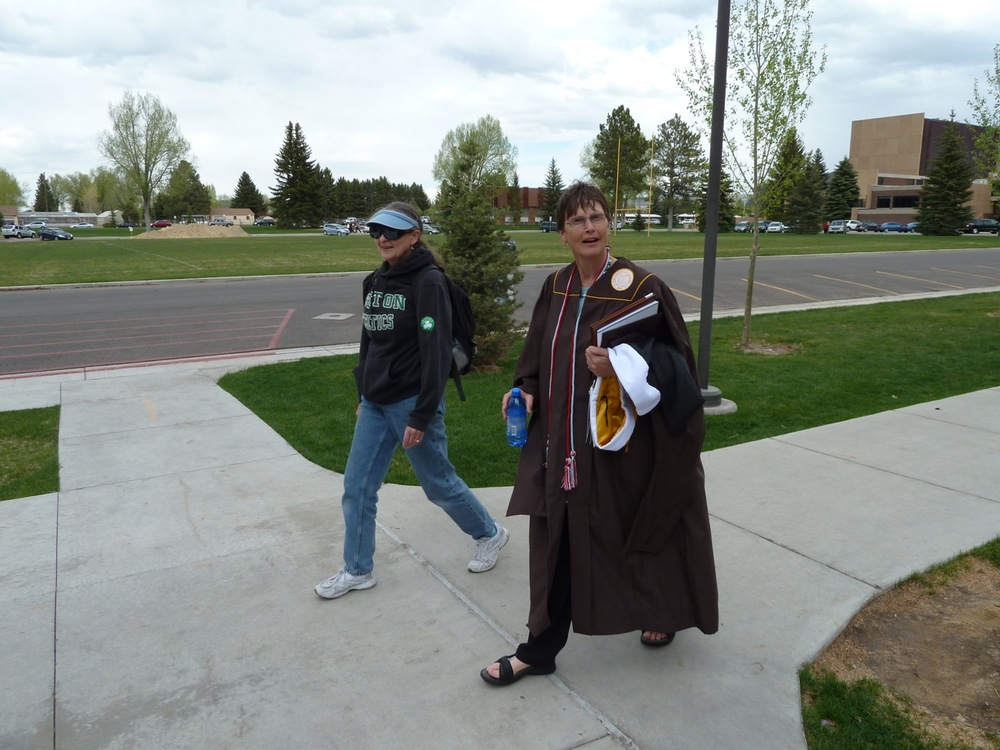

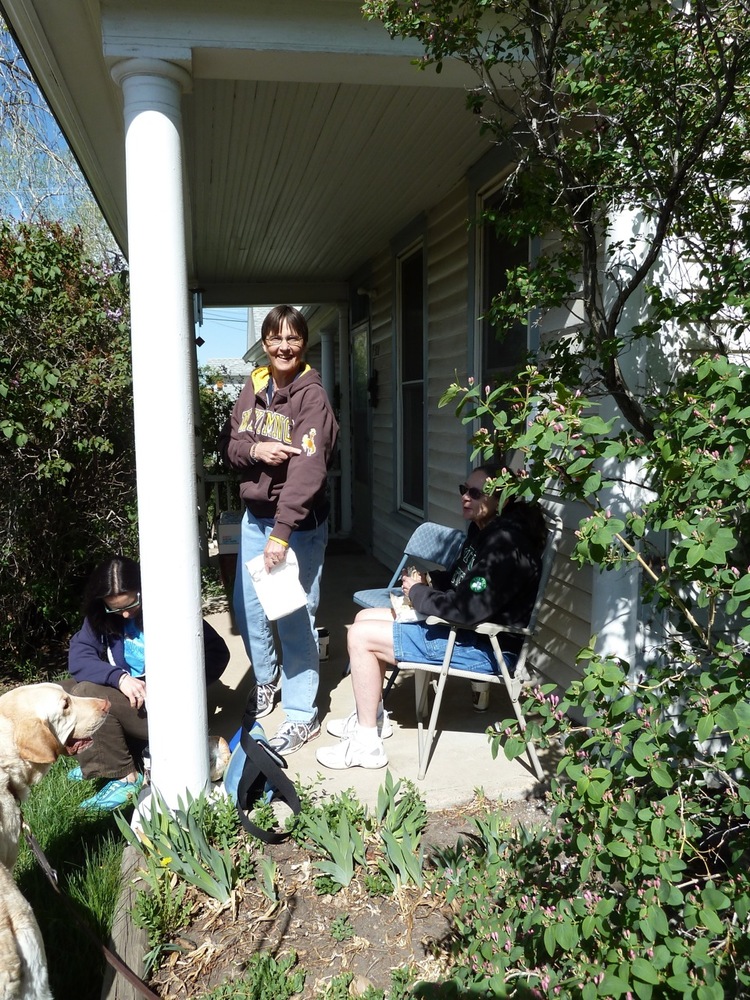
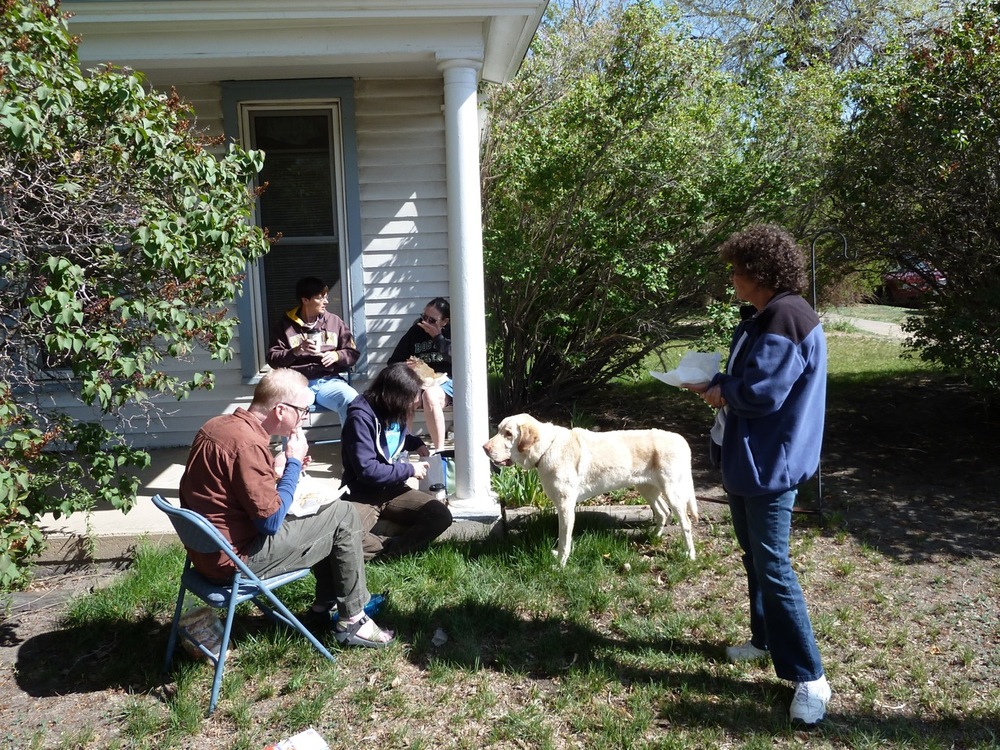
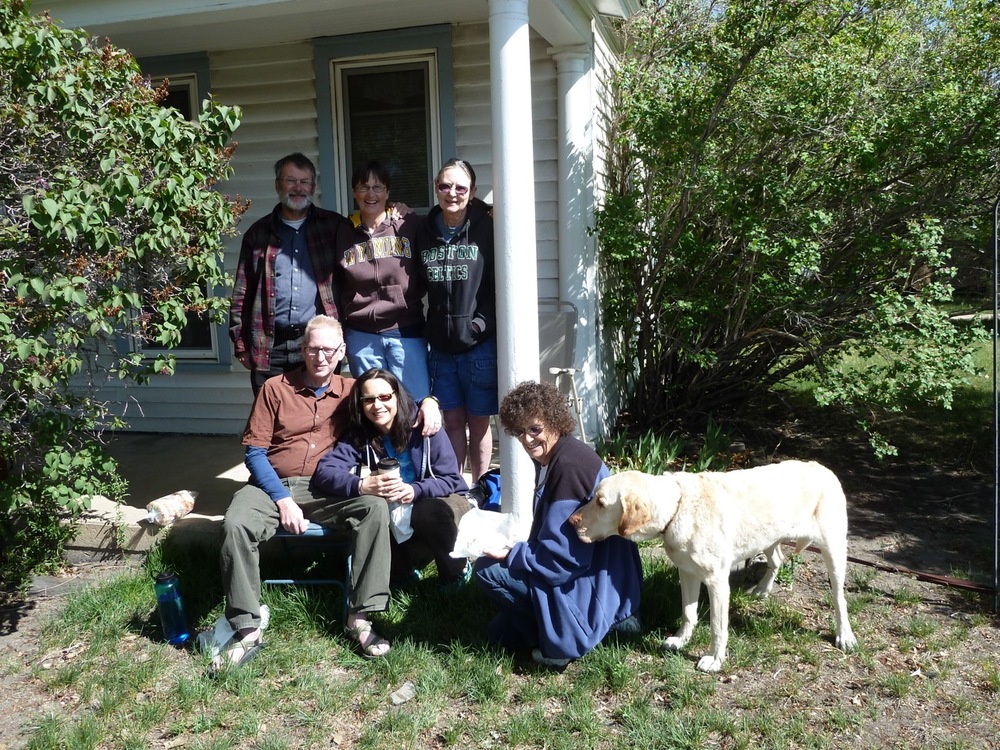


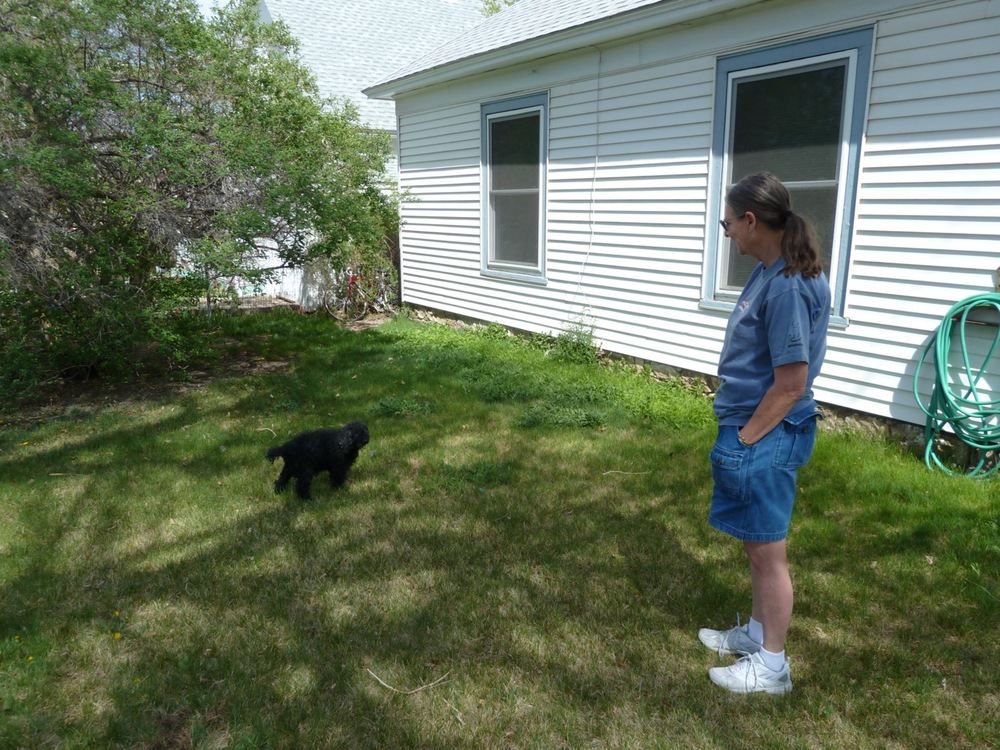
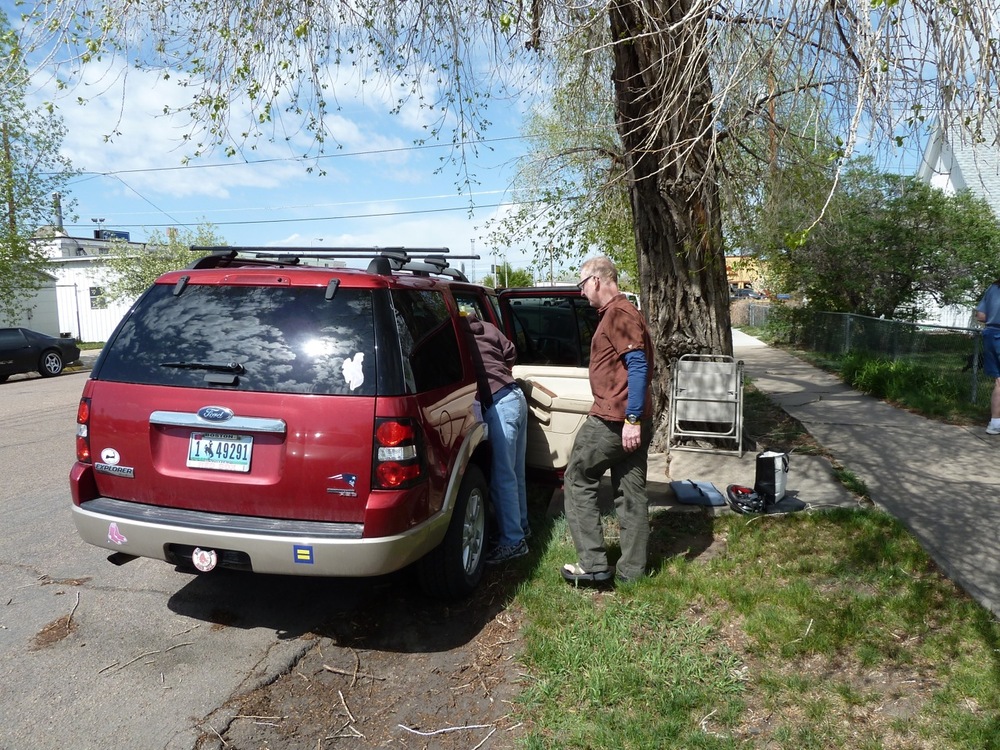

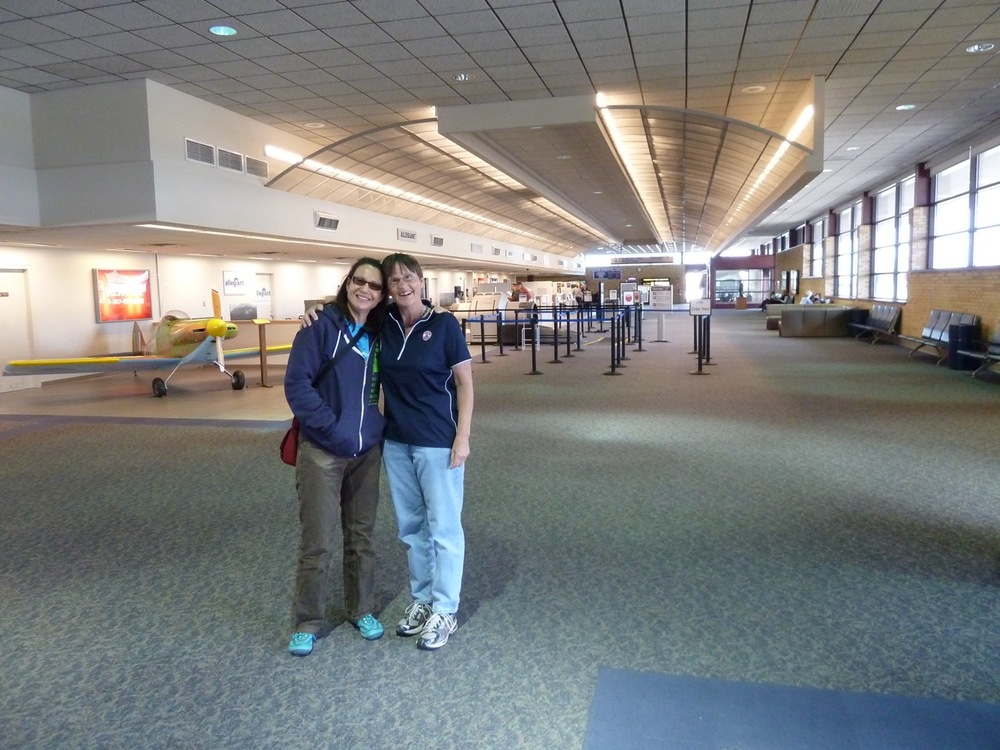
 Dragonfly Ranch